
Templates / Postcard
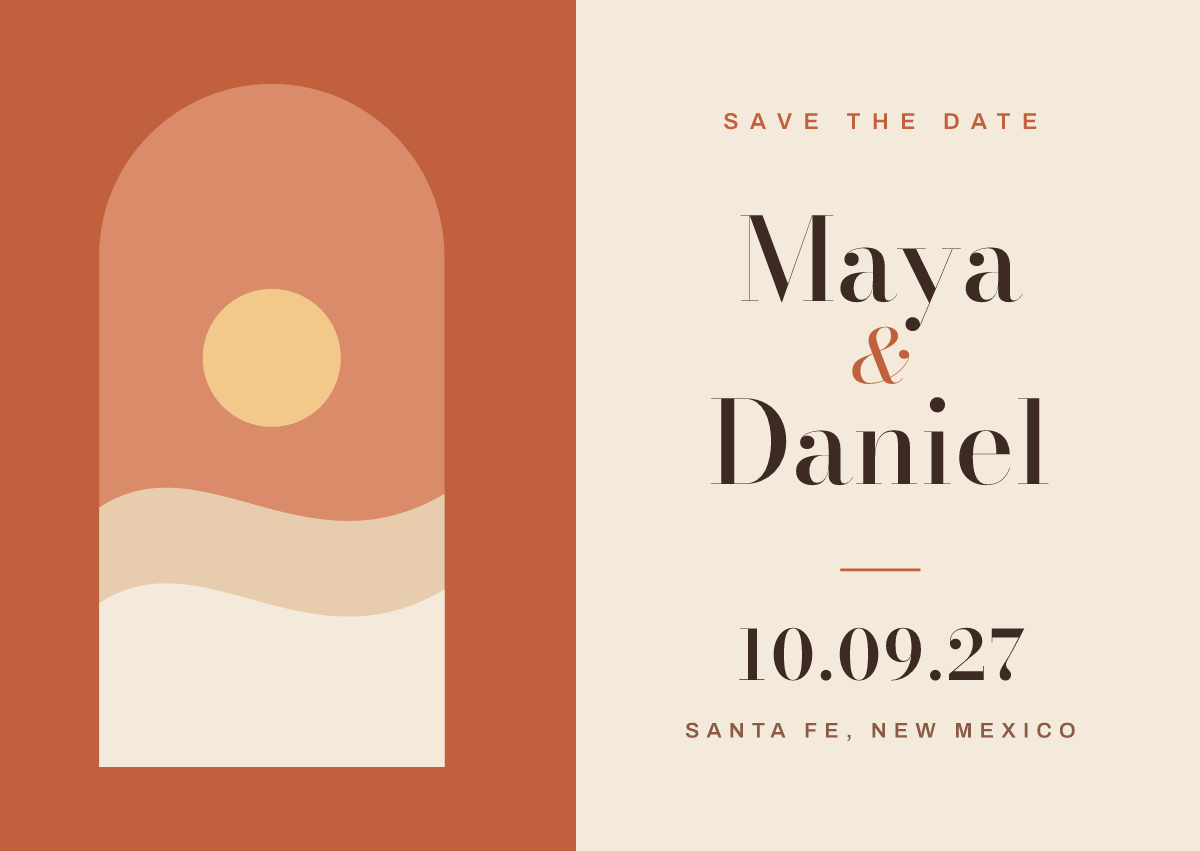
Save the date postcard
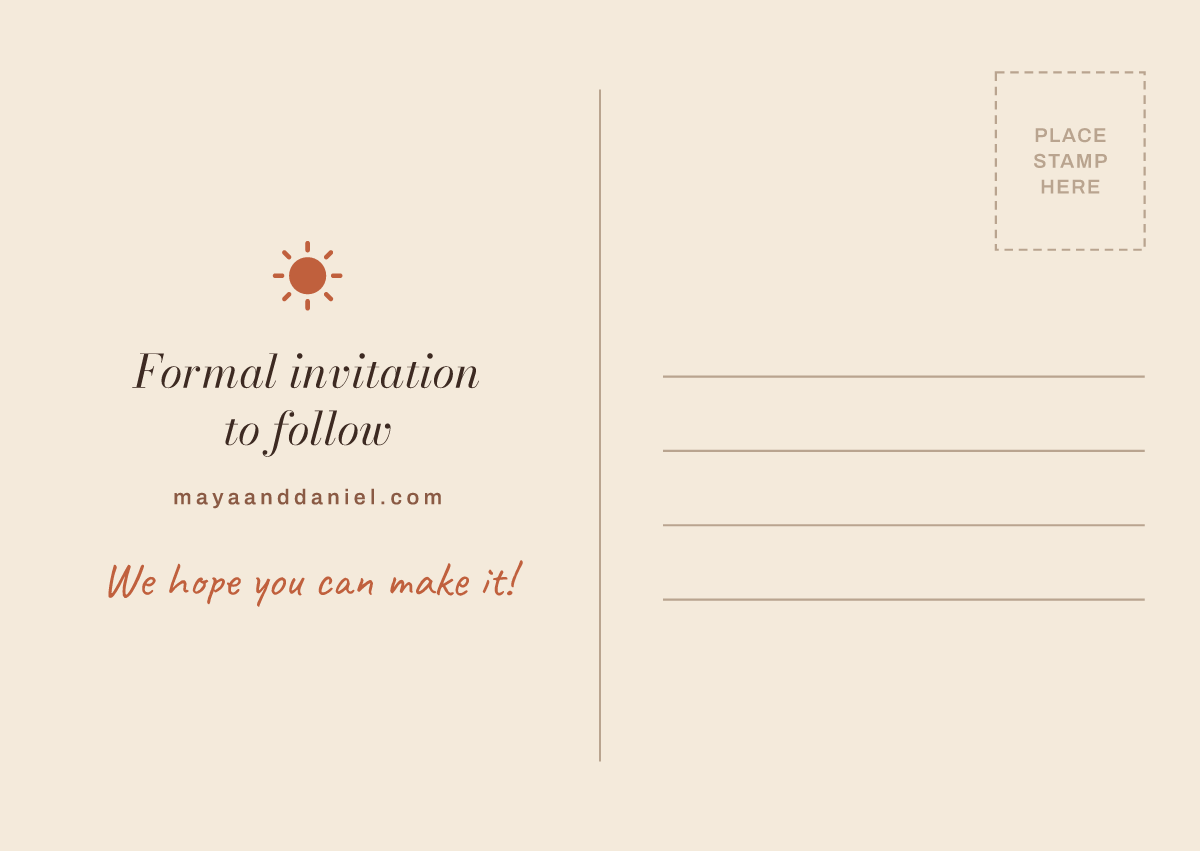
Half photo, half type. Your names go large in a high-contrast serif next to the date and the city, and the left half holds an engagement photo or a scene ChatGPT paints of the place you're marrying. As a placeholder it's a desert arch at sunset. The back says “Formal invitation to follow”, gives your wedding website, and leaves room for a stamp and the address.
Already added Prompt Printing, or on Android? Paste this into any chat:
@Prompt Printing start the save the date template
Then say what yours is for, like “Make a save-the-date postcard for Maya and Daniel's wedding on October 9, 2027 in Santa Fe, New Mexico.”
What you get
Printed and mailed
Designing is free, and so is downloading the print-ready PDF. Shipping is added at what the carrier charges us, and we ship to the 50 US states and DC.
-
Postcards
- 10 postcards, A6 (5.8 × 4.1 in)
- Silk 350 gsm (130 lb), glossy
- Printed on both sides
from $11.31 + shipping
How it works
Three steps, one chat
-
Make it yours in ChatGPT
Open the template and tell ChatGPT the names, dates and details. Ask for new art, other colors or different words until it's right.
-
Approve the proof
The print shop's proof shows exactly what will print. We print what you approve, so read the names and dates twice.
-
We print and mail it
Pick the paper and how many, pay on promptprinting.app, and we mail it to you or straight to the person it's for.
More templates
Start from another
-
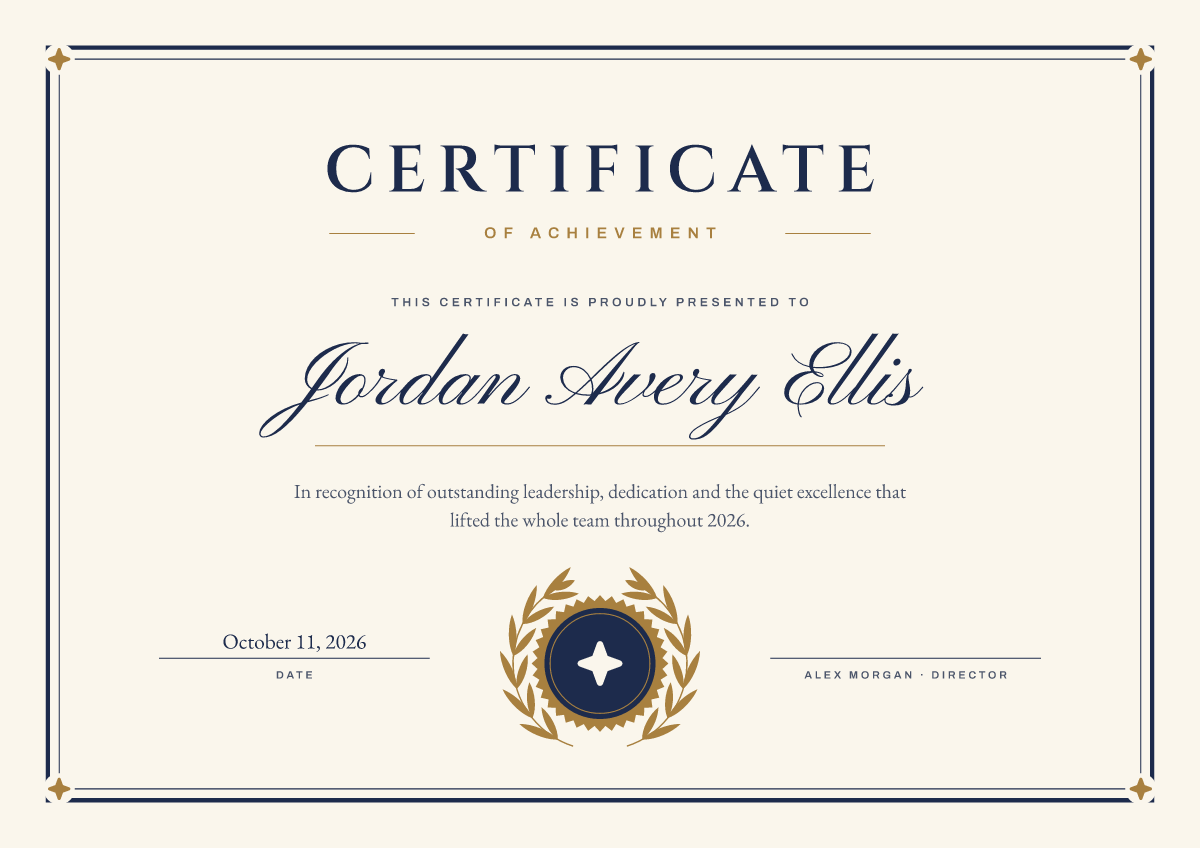
Formal certificate
A4 certificate · from $13.23
-
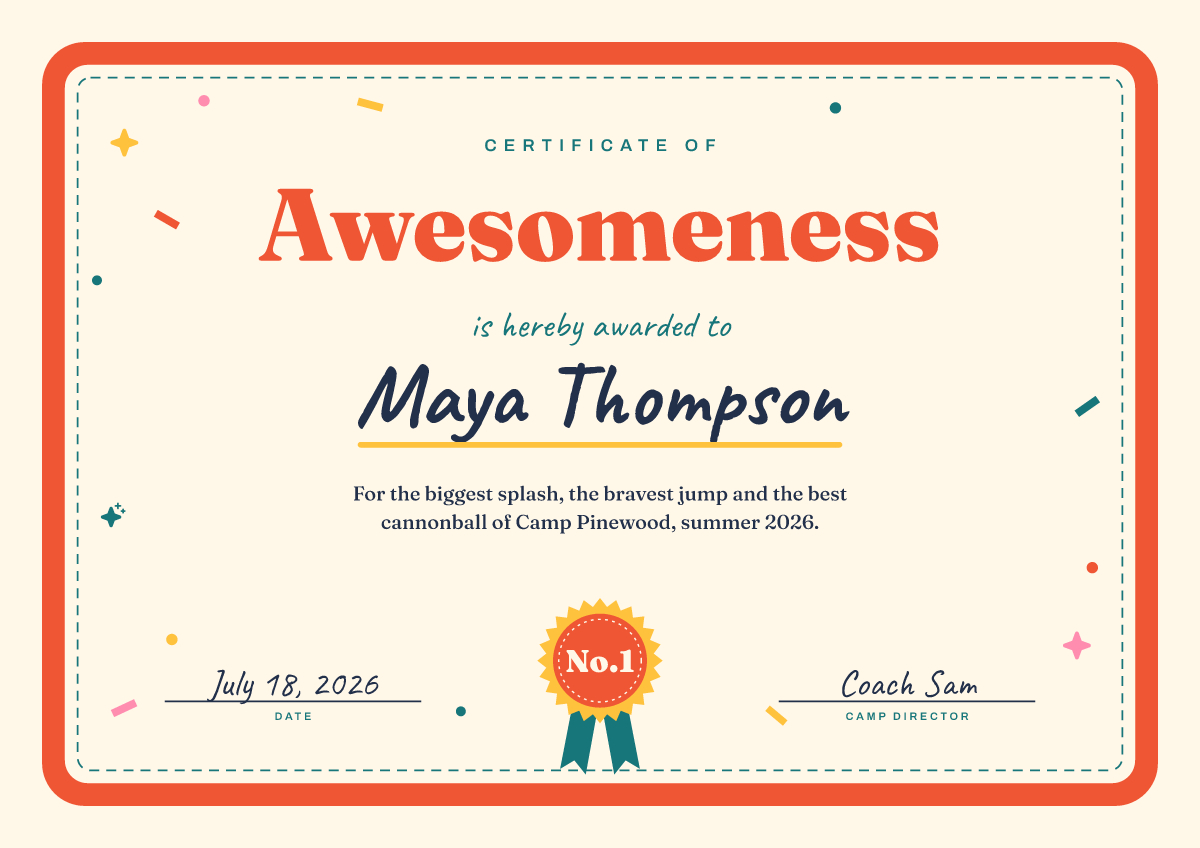
Playful certificate
A4 certificate · from $13.23
-

Birthday card
Folded 5 × 7 · from $17.94
-
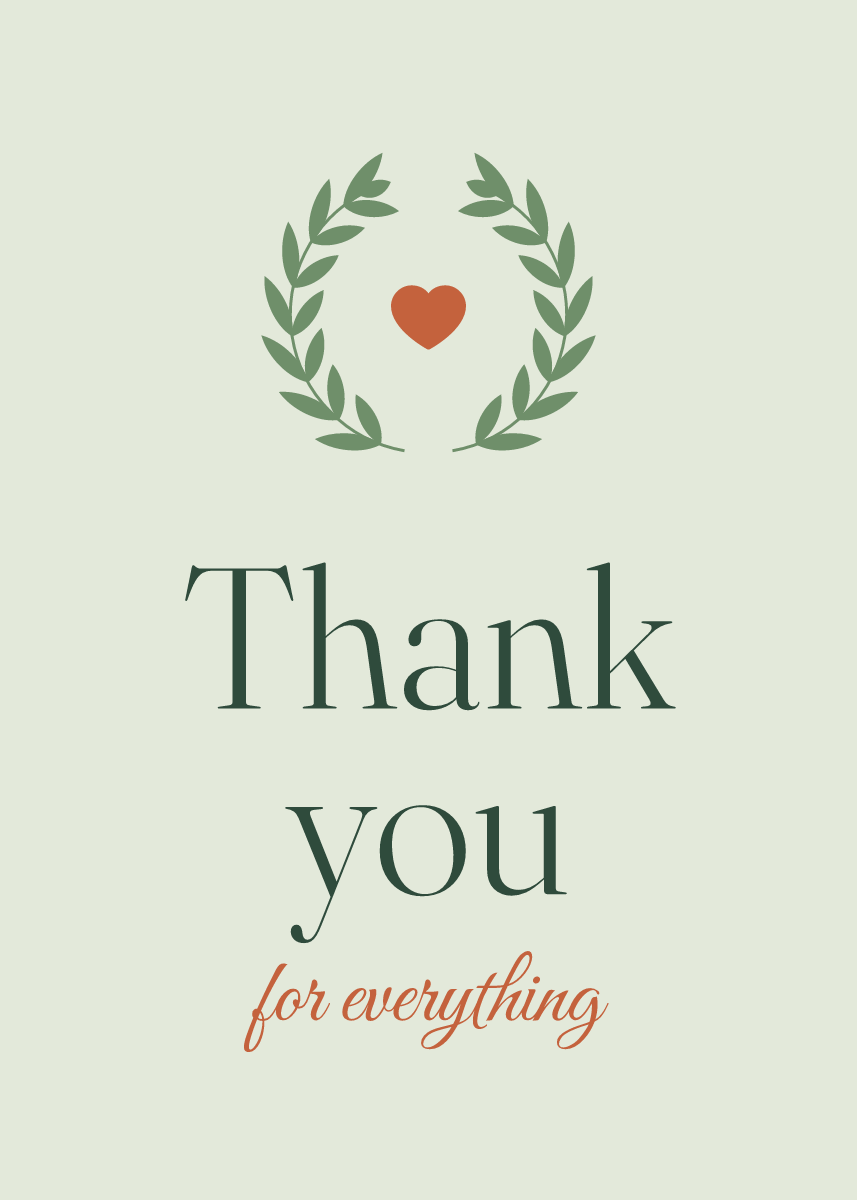
Thank-you card
Folded 5 × 7 · from $17.94
-

Invitation
Flat 5 × 7 · from $13.84
-

Announcement
Flat 5 × 7 · from $13.84
-

Postcard
A6 postcard · from $11.31
-
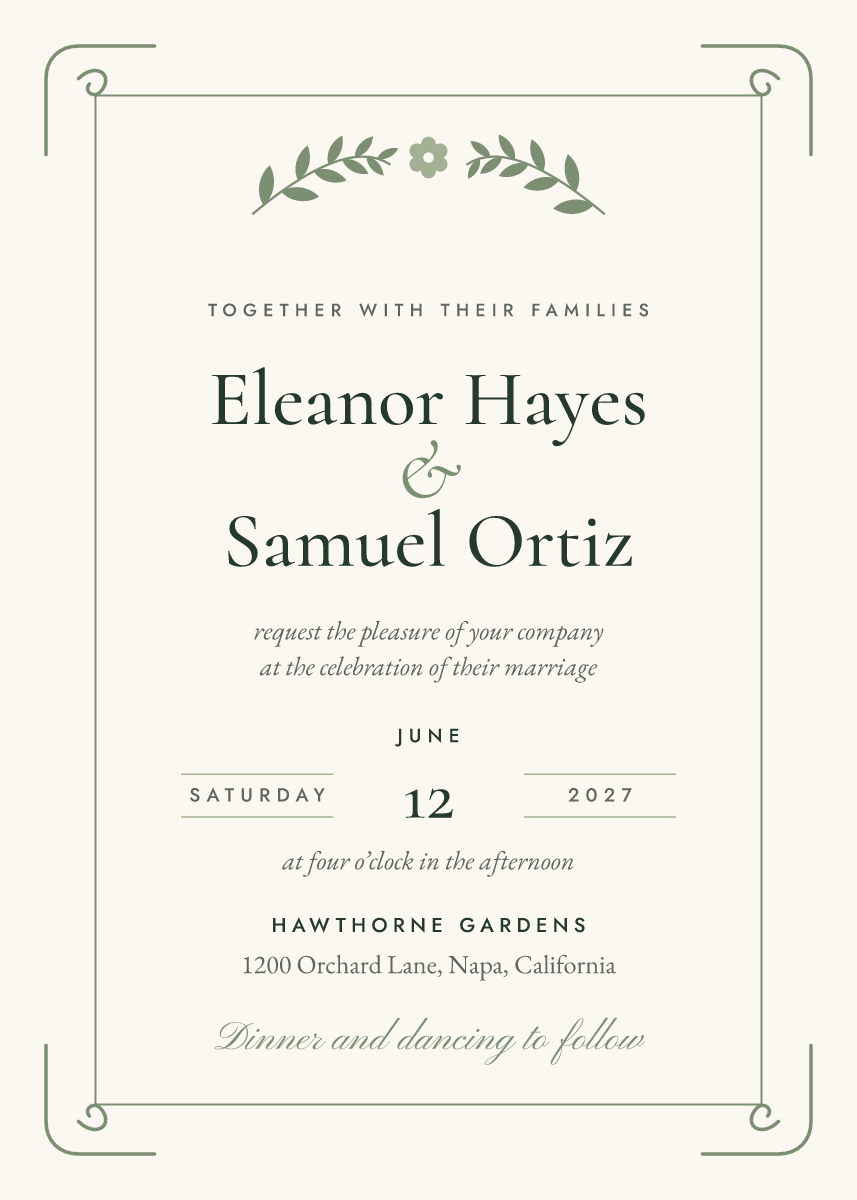
Wedding invitation
Flat 5 × 7 · from $13.84
-

Baby shower invitation
Flat 5 × 7 · from $13.84
-
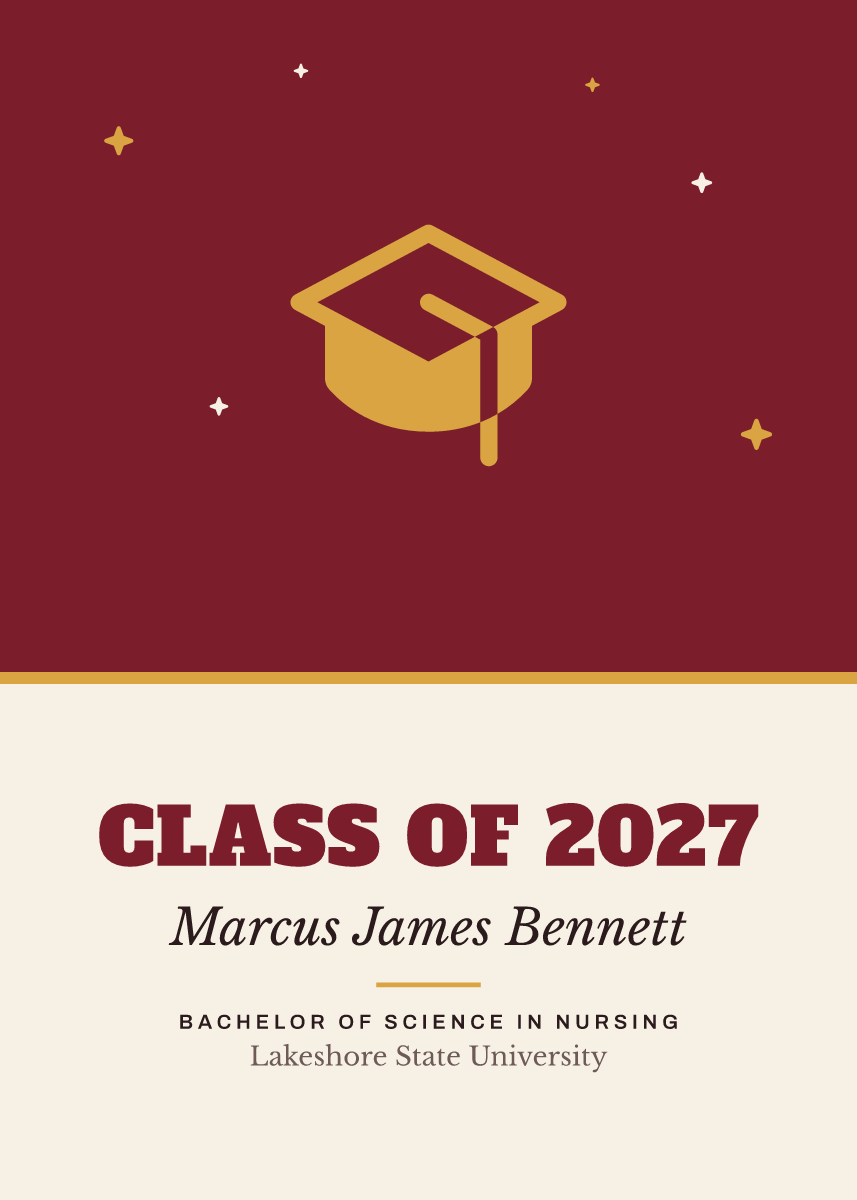
Graduation announcement
Flat 5 × 7 · from $13.84
-
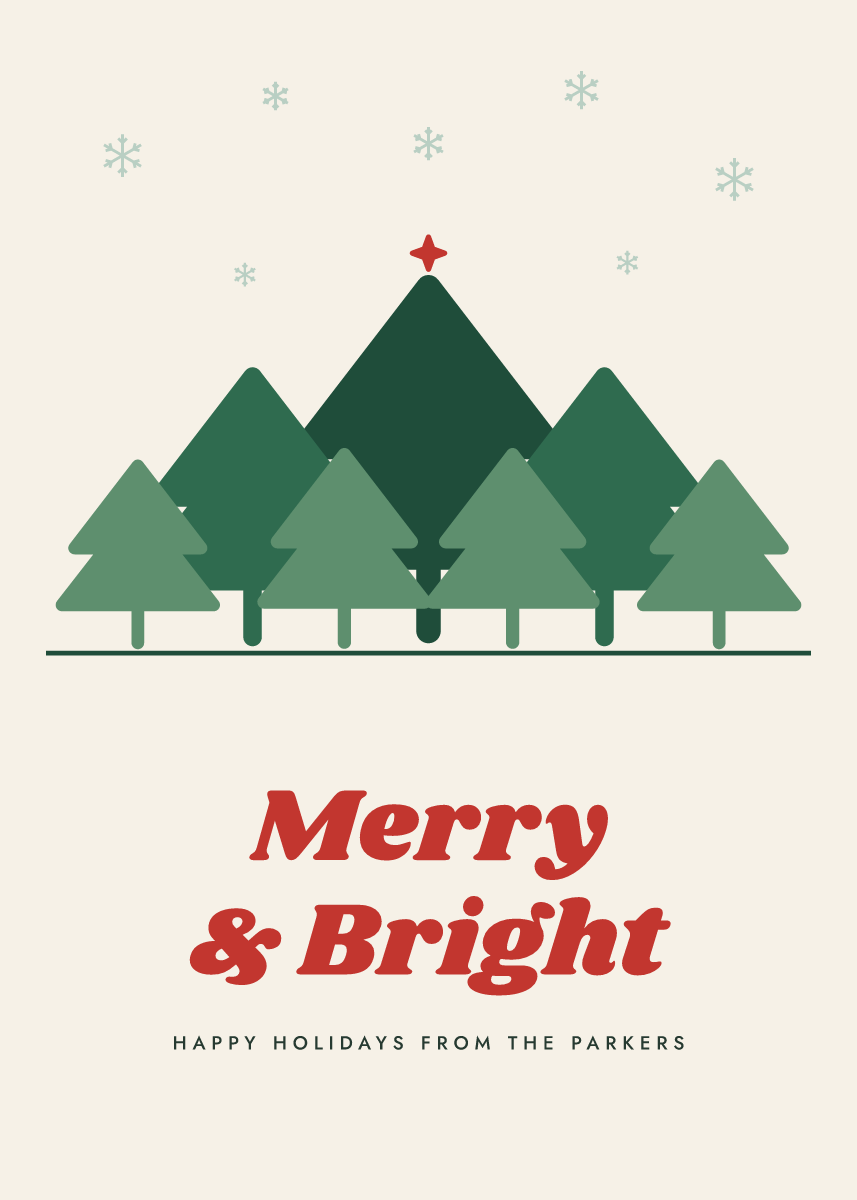
Holiday card
Folded 5 × 7 · from $17.94
-
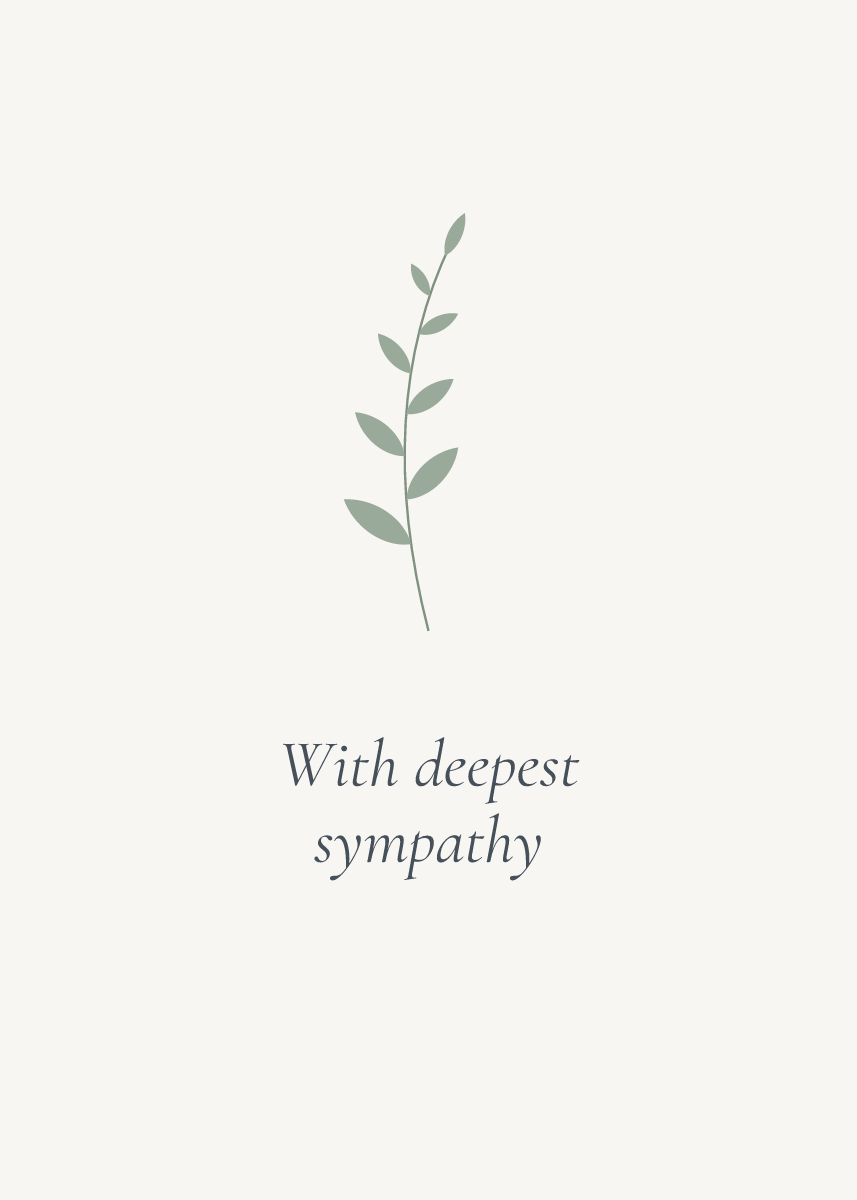
Sympathy card
Folded 5 × 7 · from $17.94
-
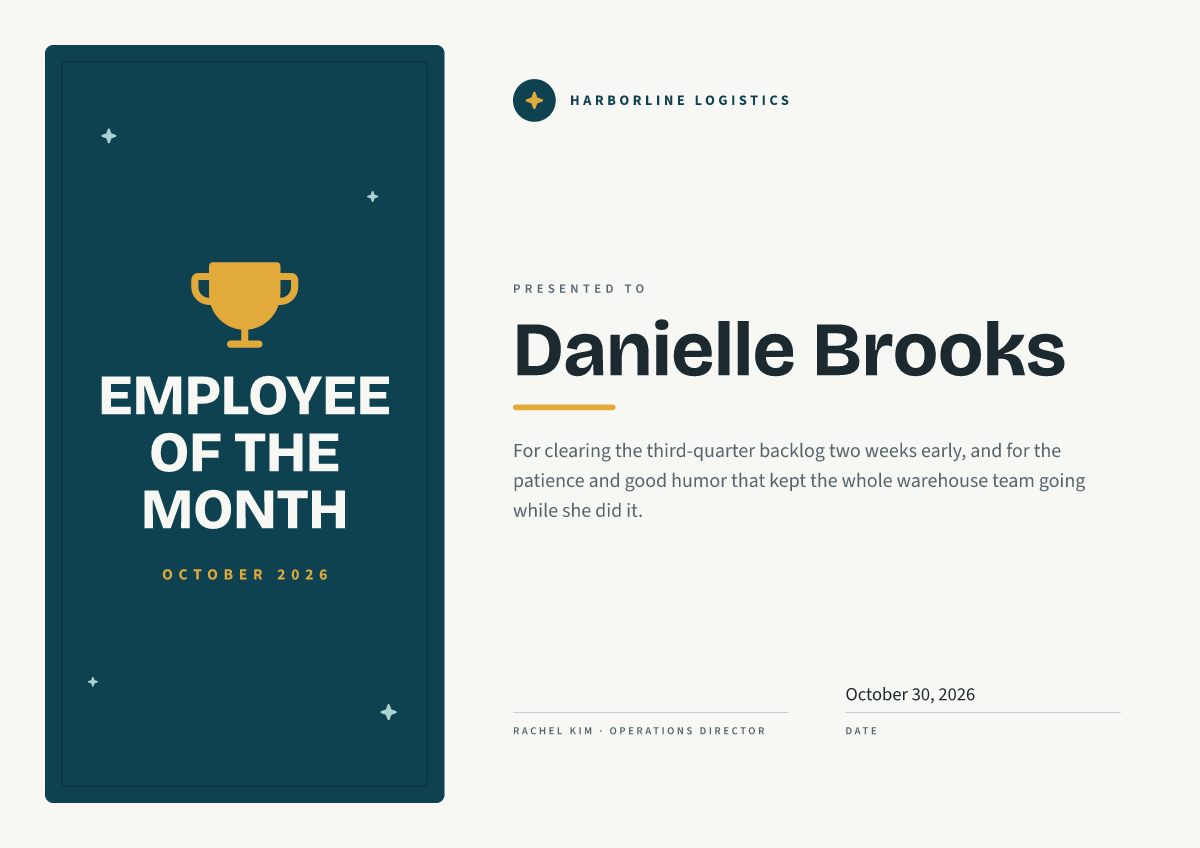
Employee of the month certificate
A4 certificate · from $13.23
-
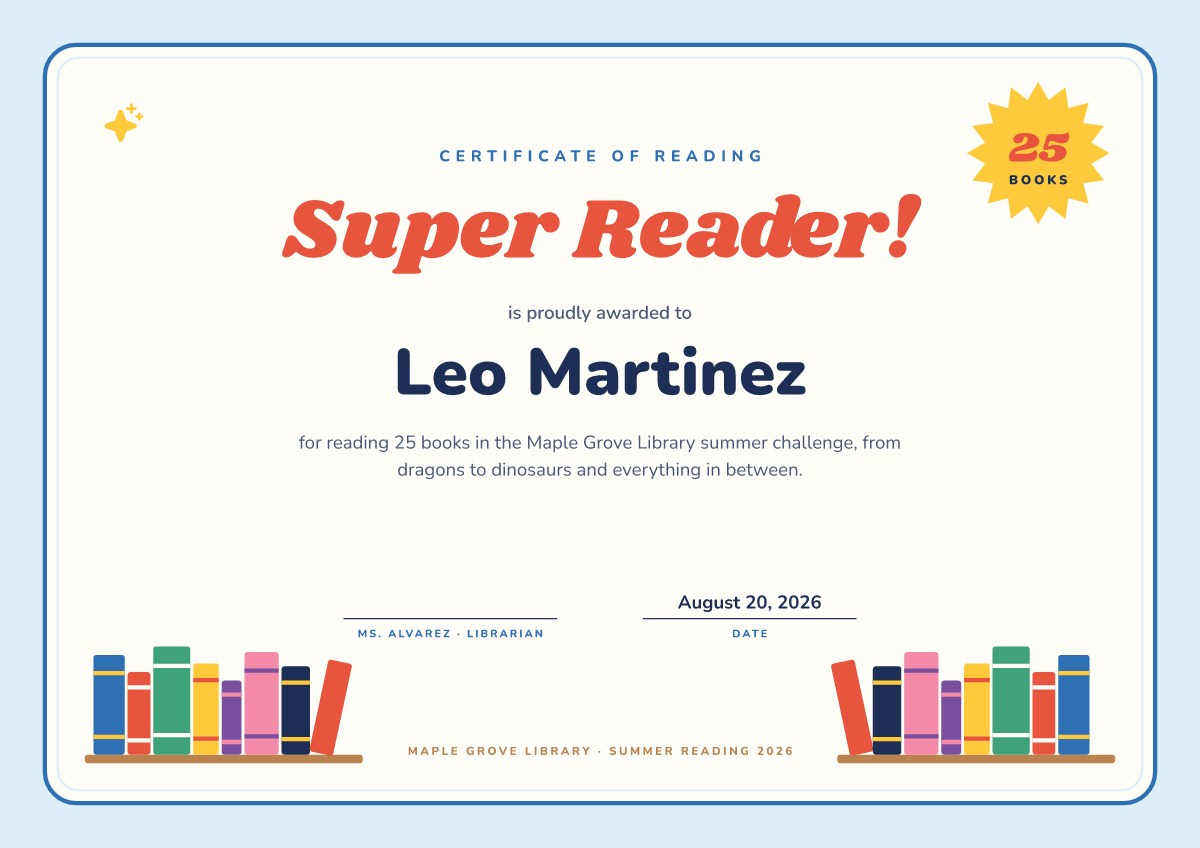
Reading award certificate
A4 certificate · from $13.23